Liquidity Mapping Suite
Professional Liquidity Tools for NinjaTrader & TradingView
Trade with greater confidence using institutional-grade liquidity tools. Whether you prefer real-time Level 2 order flow or advanced liquidity mapping, LMS helps you identify high-probability market levels, manage risk, and make better trading decisions.
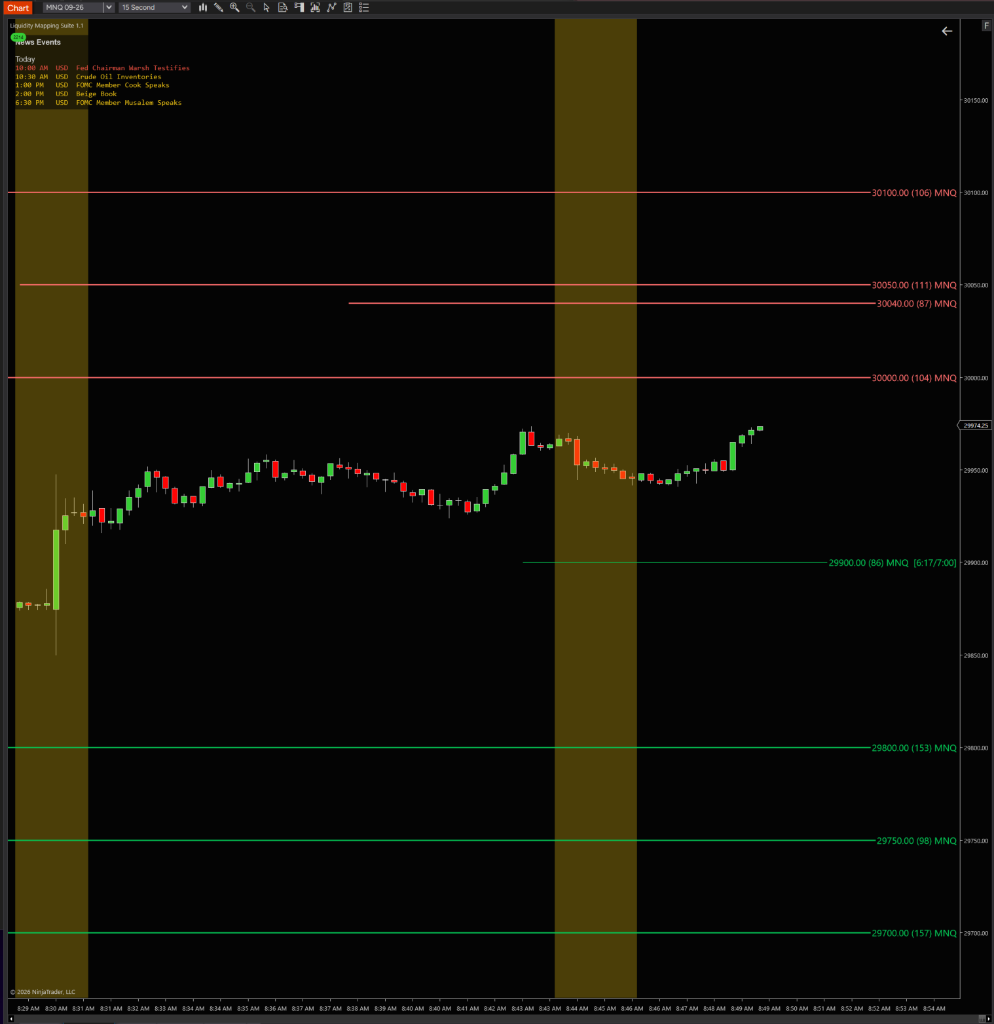
Trade With Greater Confidence
Liquidity Mapping gives you the insight to know where to trade and how to trade—whether that's through real-time Level 2 liquidity or advanced market structure analysis.
Limited Market Visibility
- Relying on lagging indicators
- Trading unreliable technical levels
- Forgetting high-impact news while trading
- Switching between multiple platforms
- Hard-to-read trading software
Smarter Trade Planning
- Identify validated liquidity levels
- Trade with greater market confluence
- Volatility-based risk management
- Automatic position size, stop loss, and take profit calculations
- Know where to trade and how to trade
Clear Level 2 Visualization
- Make decisions based on buyers and sellers in real time
- Trade based on real resting liquidity
- See economic news directly on your chart
- See liquidity, news, and trade in one place
- Clear, easy-to-read Level 2 data on your chart
The Edge Institutional Traders Have
Now On Your Chart
Feature 1 of 7
Advanced Liquidity Mapping
Identify high-conviction liquidity levels using advanced price action, volume, and market structure analysis.
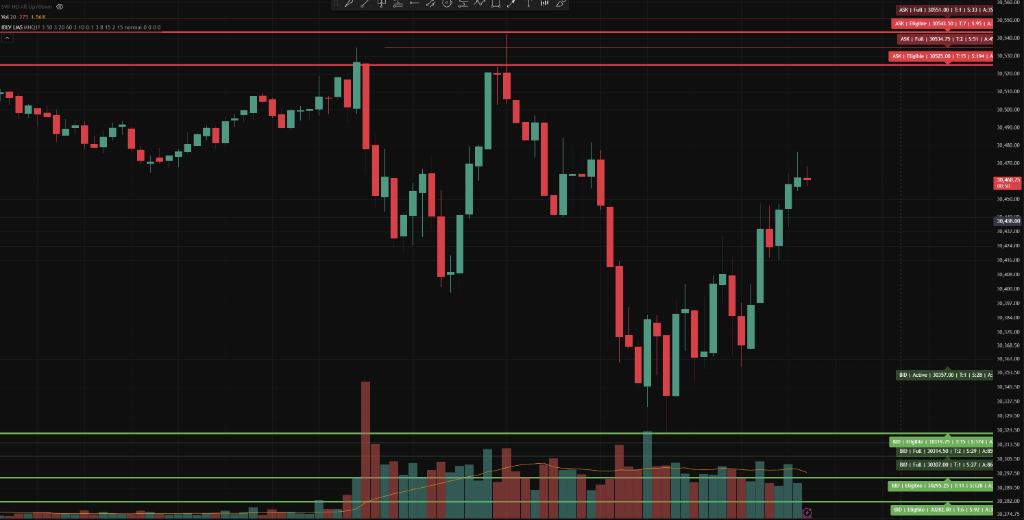
Advanced Liquidity Mapping
Identify high-conviction liquidity levels using advanced price action, volume, and market structure analysis.
Dynamic Strength Scoring
Instantly see which liquidity levels carry the highest conviction based on multiple market factors.
Automatic Risk Calculator
Automatically calculate position size, stop loss, and take profit levels based on your account and current market volatility.
Liquidity Watchlist Scanner
Monitor multiple symbols at once and quickly identify markets approaching key liquidity levels.
Supply & Demand Zones
Highlight supply and demand zones where institutional orders were placed and price is most likely to react.
Multi-Timeframe Confluence
Identify liquidity levels confirmed across multiple timeframes for added confidence before entering a trade.
All Futures Instruments Support
Trade all futures instruments with the same liquidity mapping tools and workflow. Levels may also populate on other assets like Forex, crypto, and stocks — but it's built natively for futures.
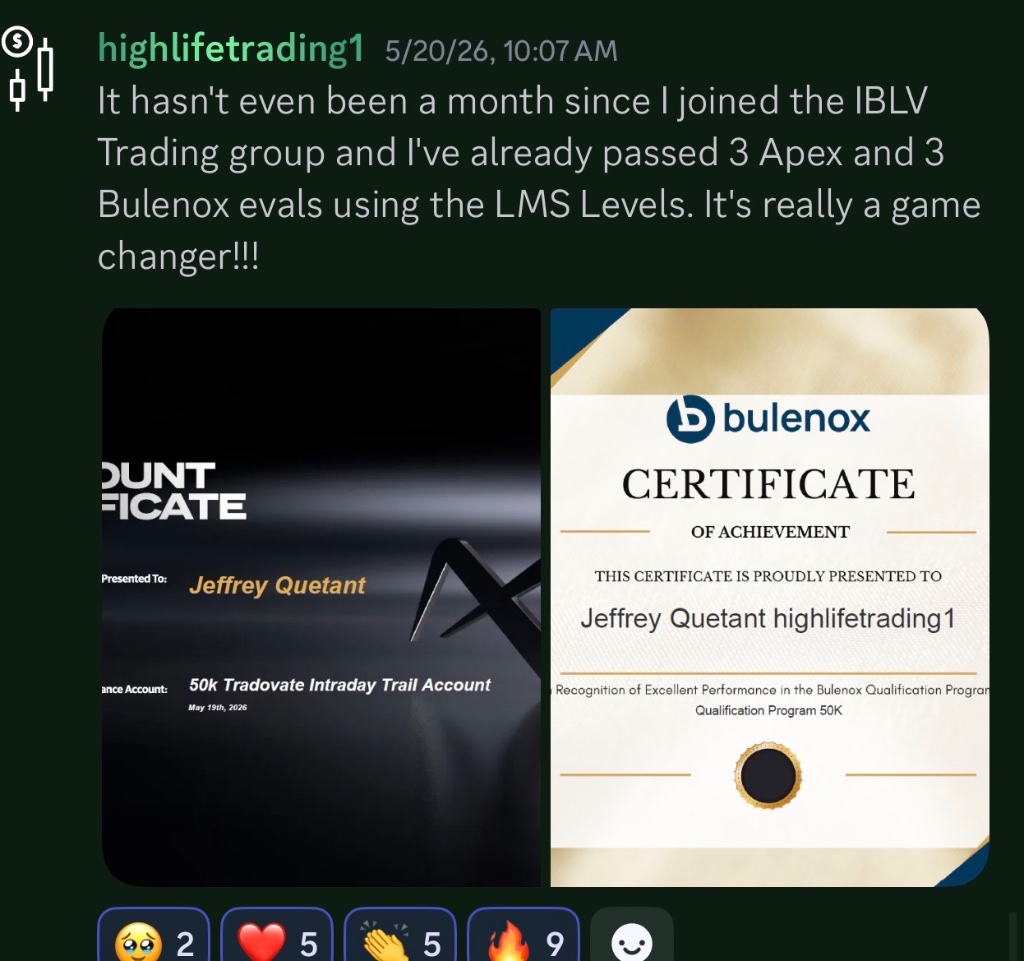
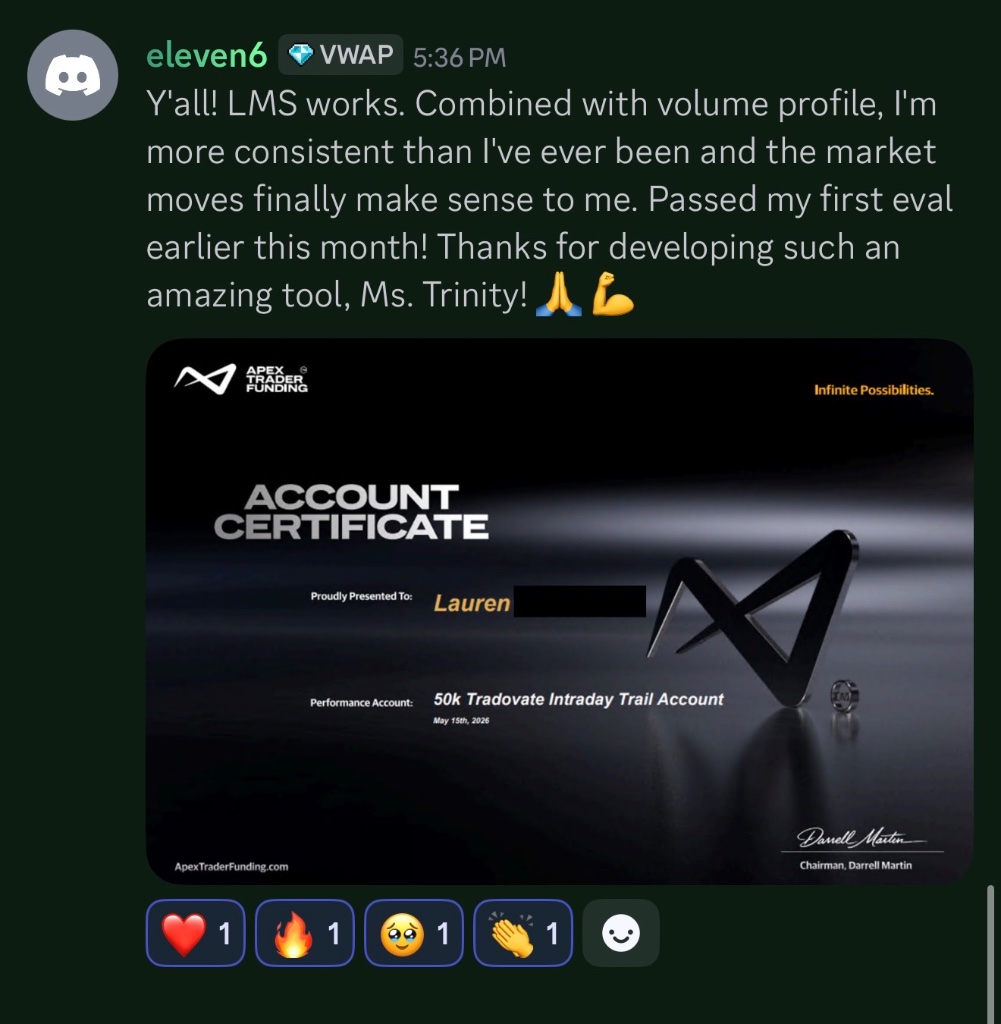
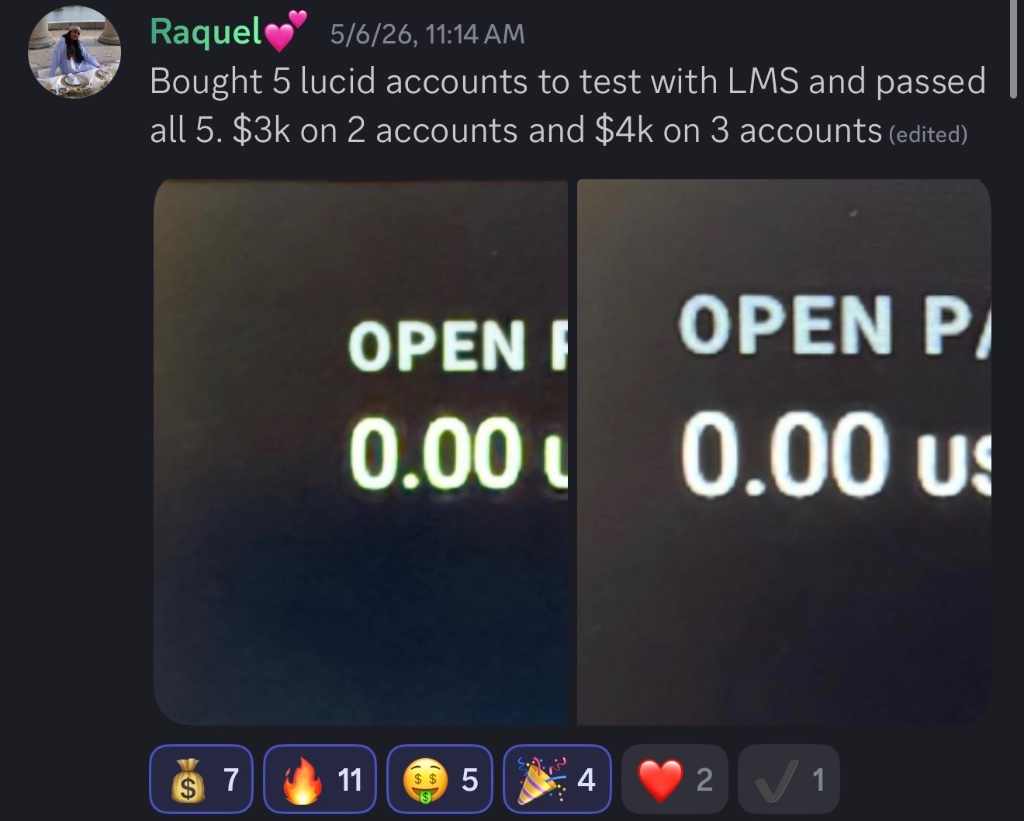
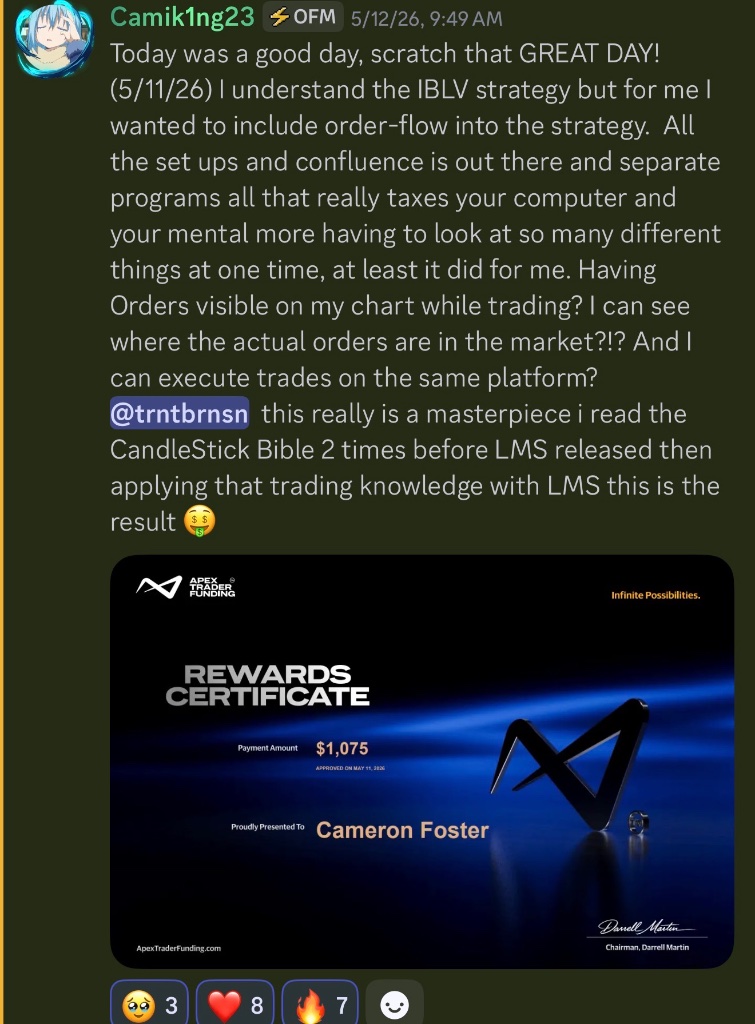
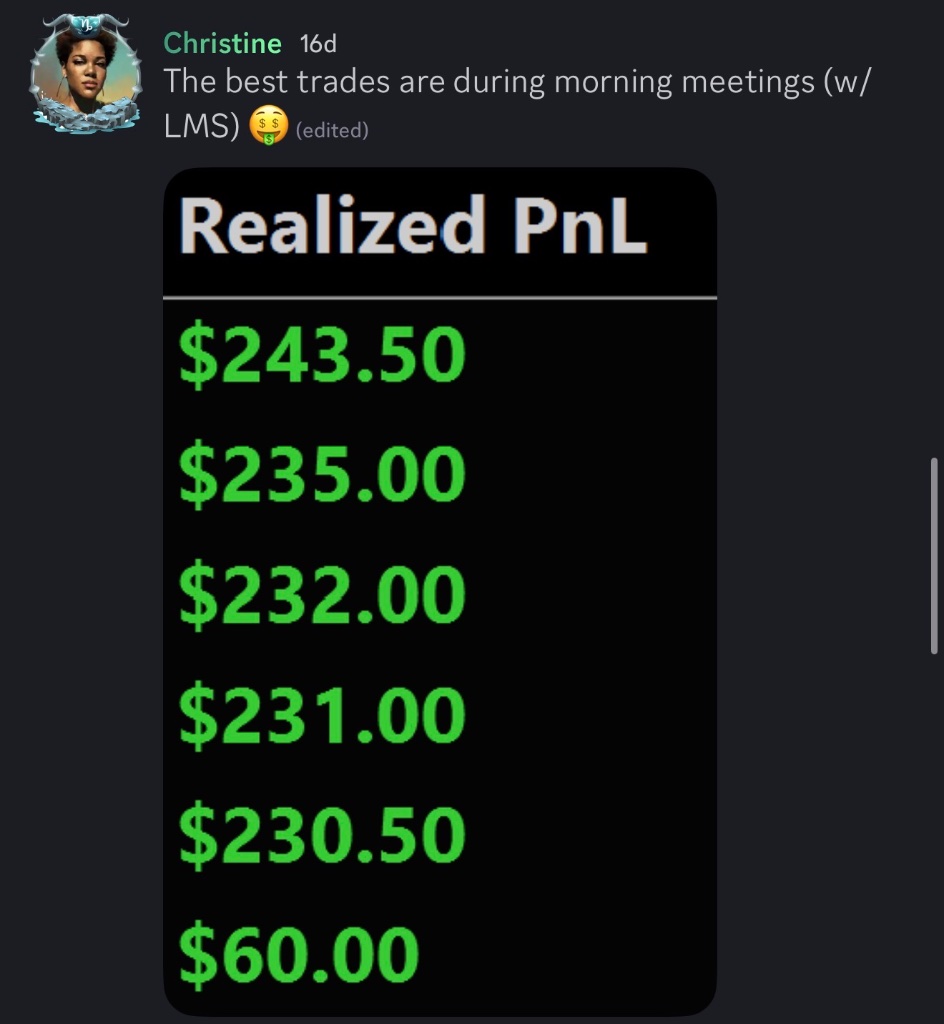
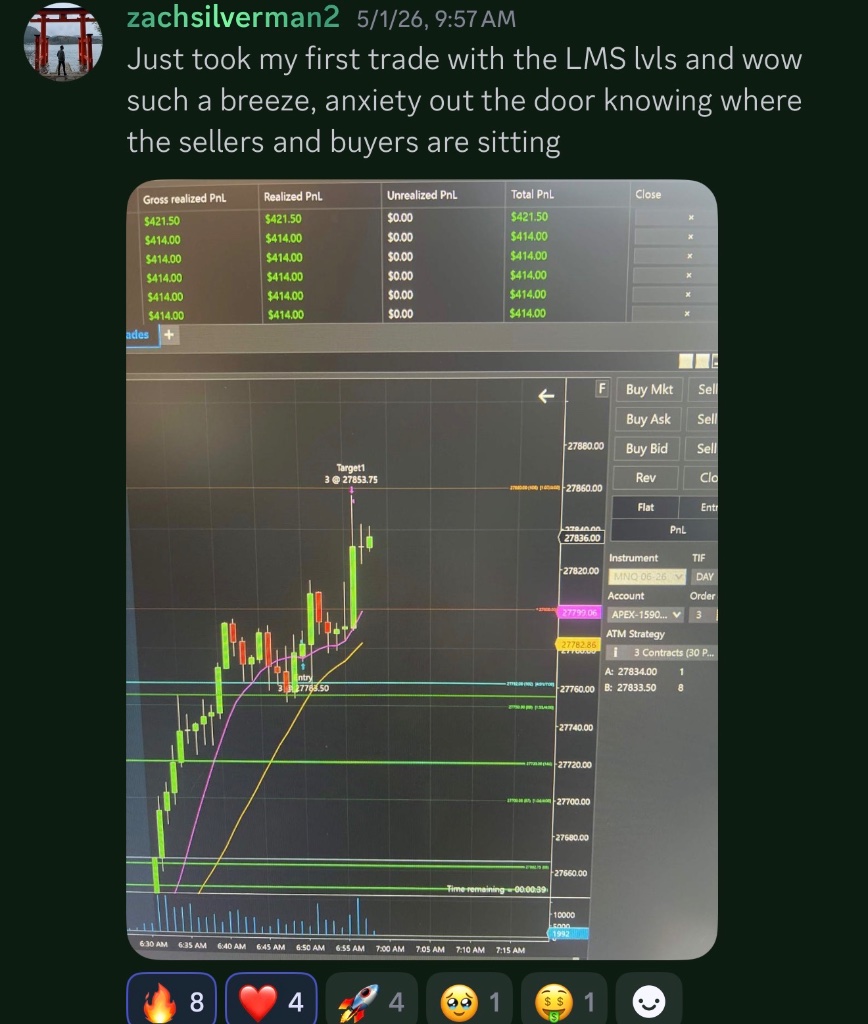
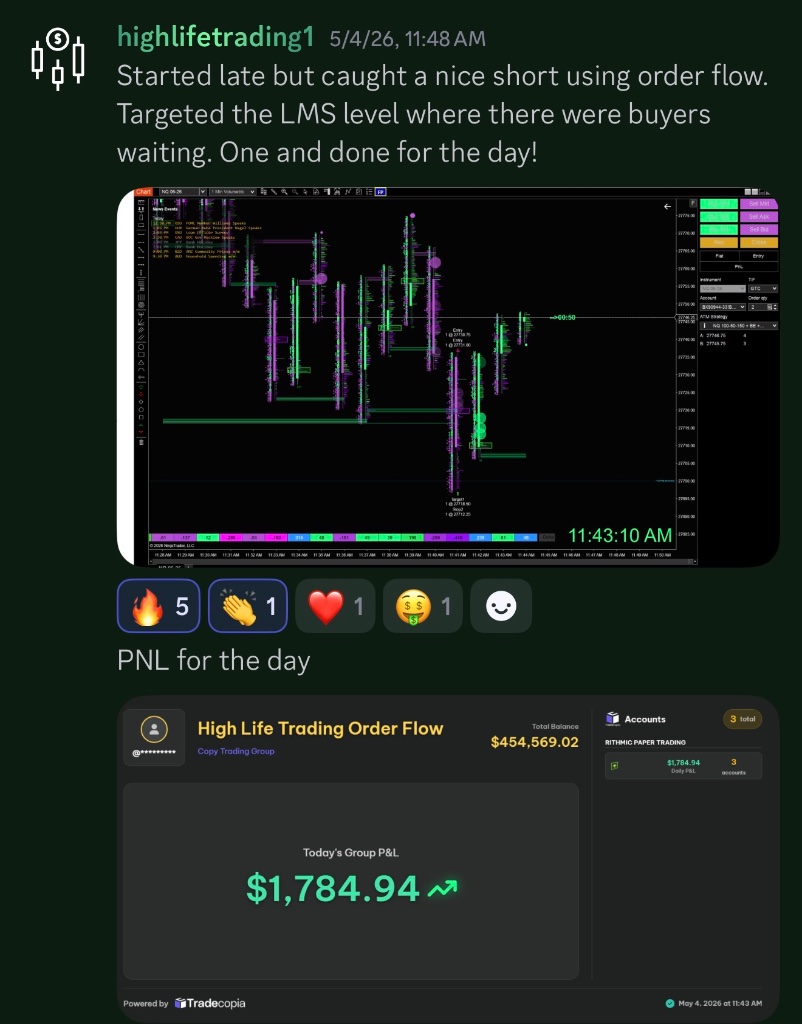
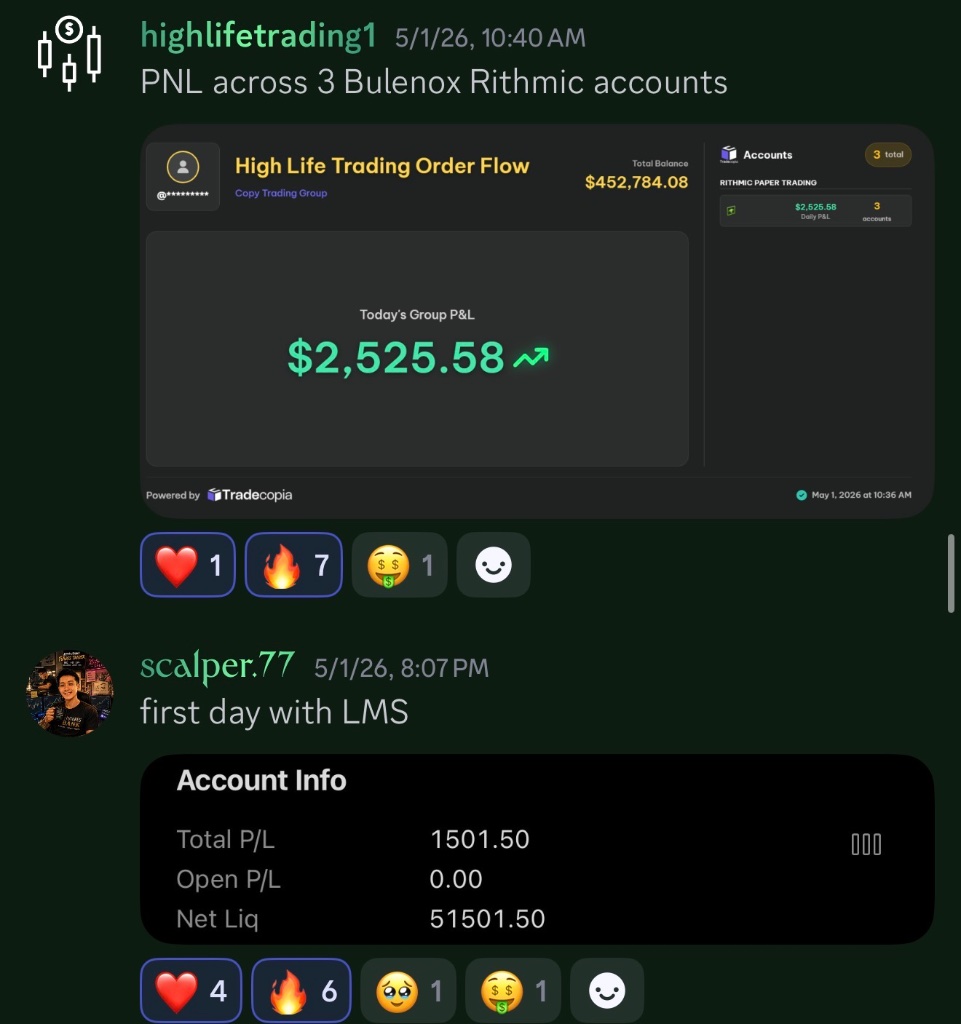
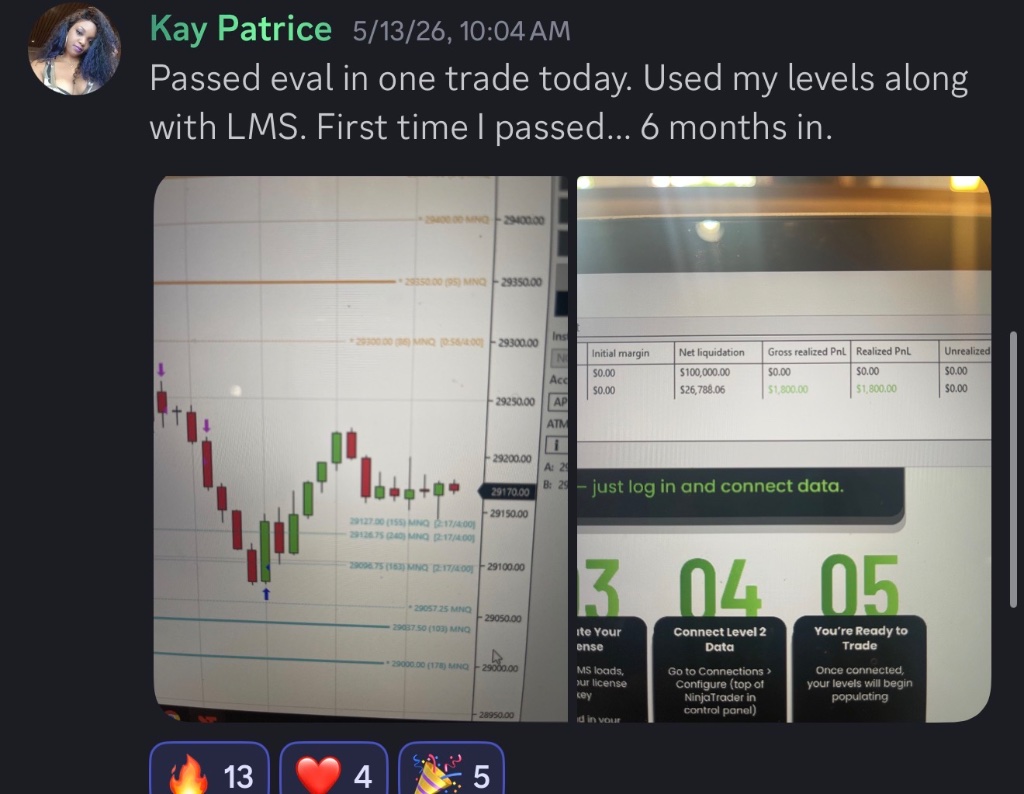
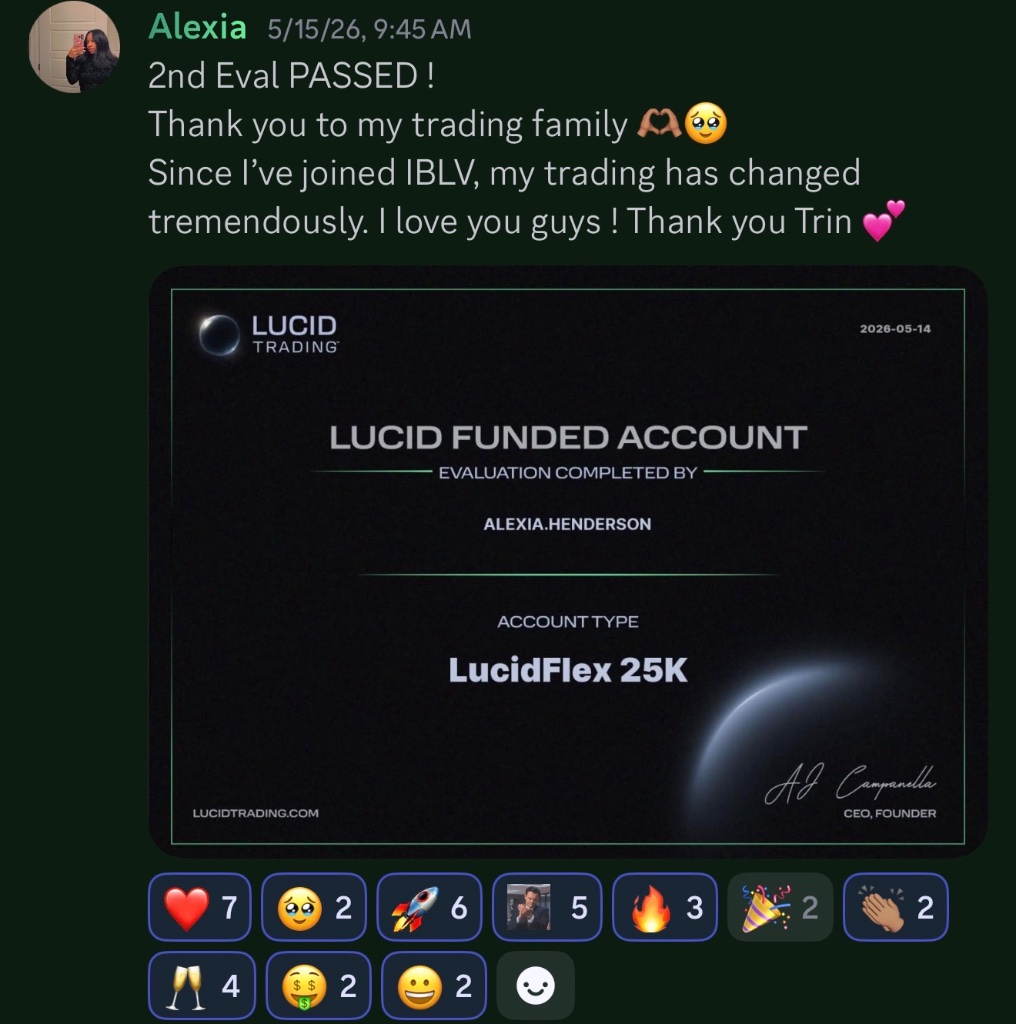
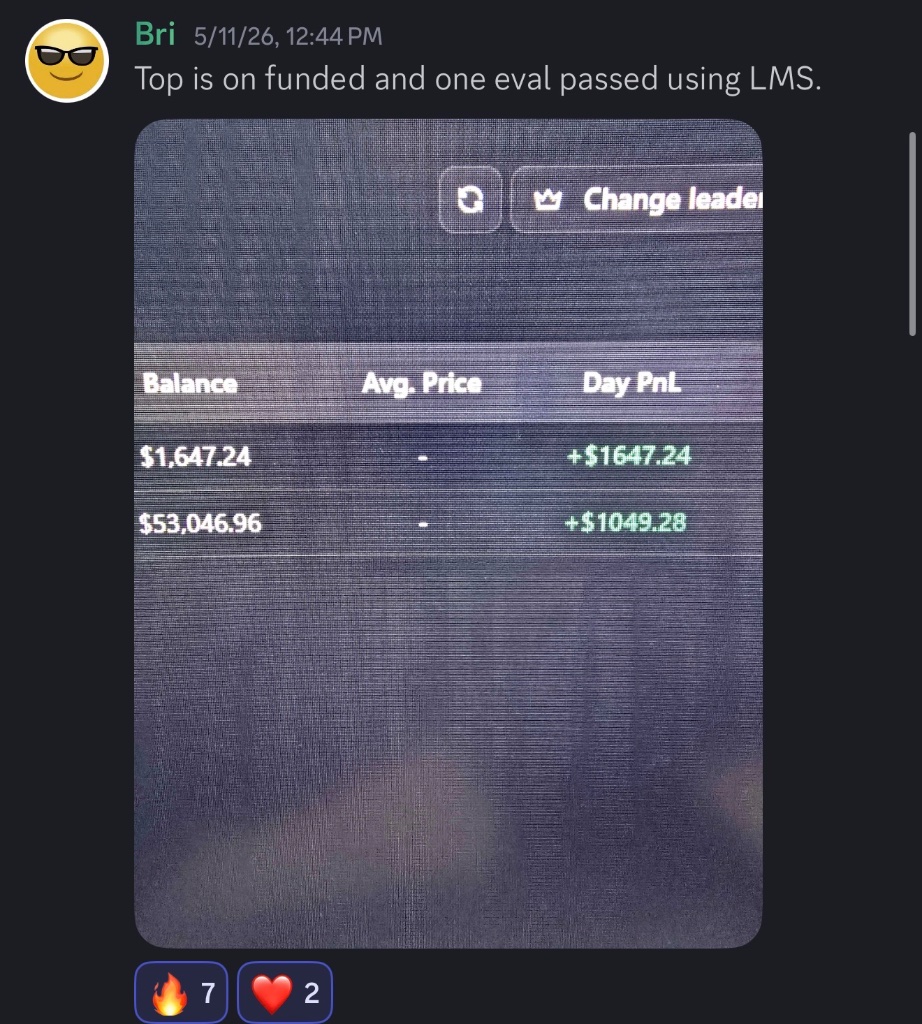
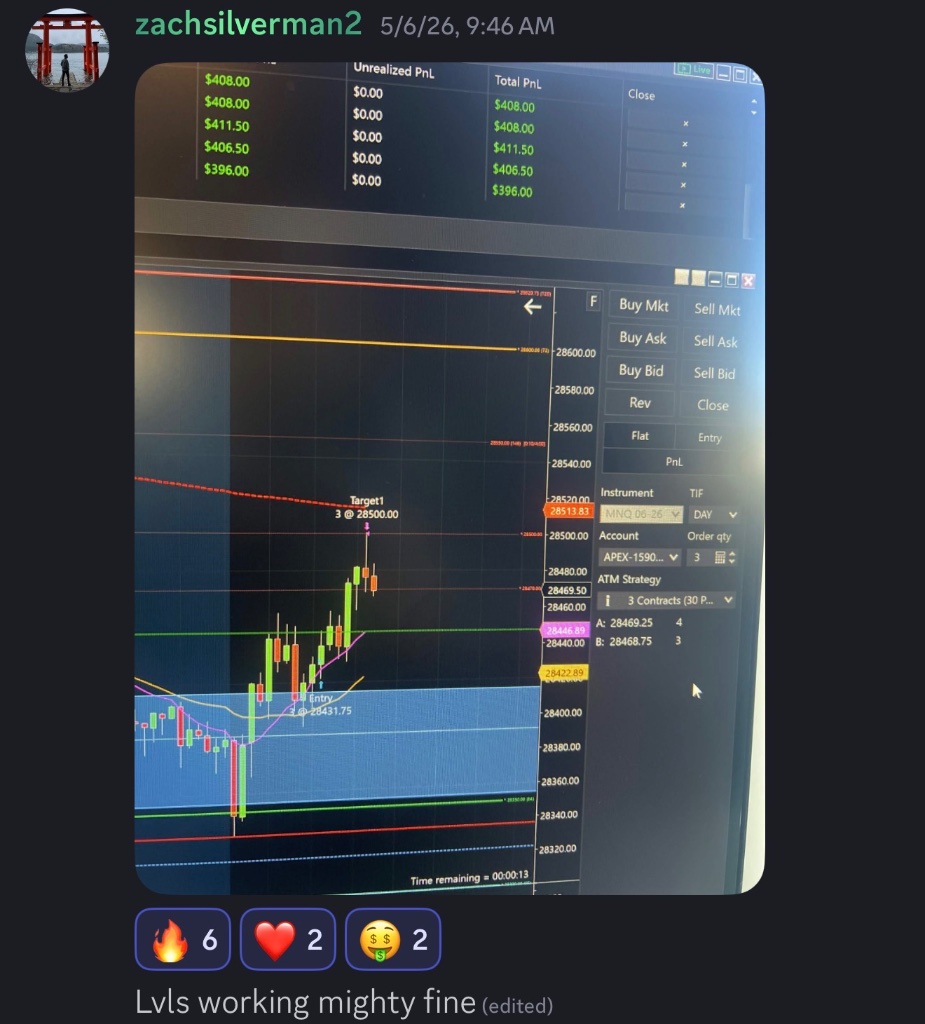
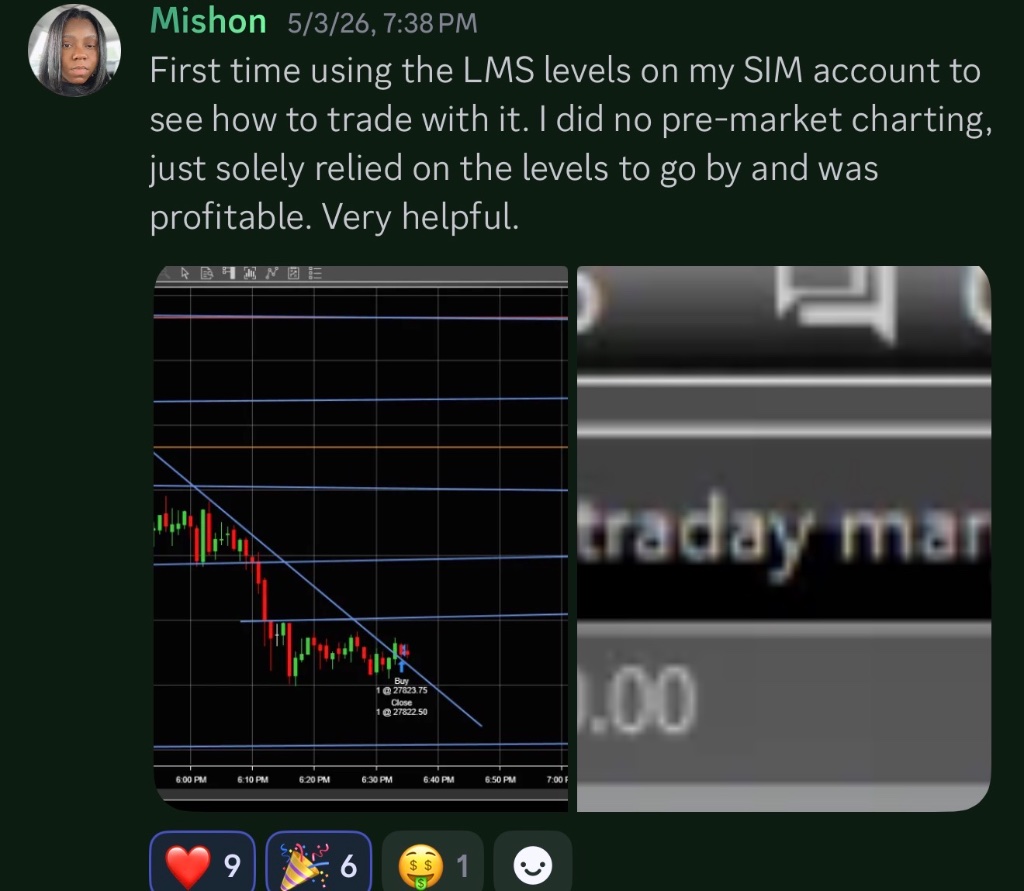
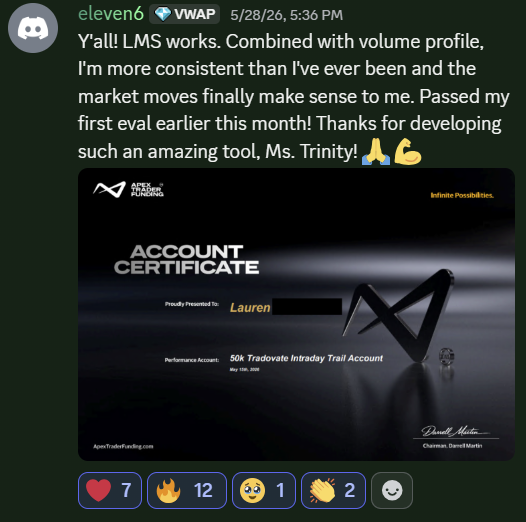
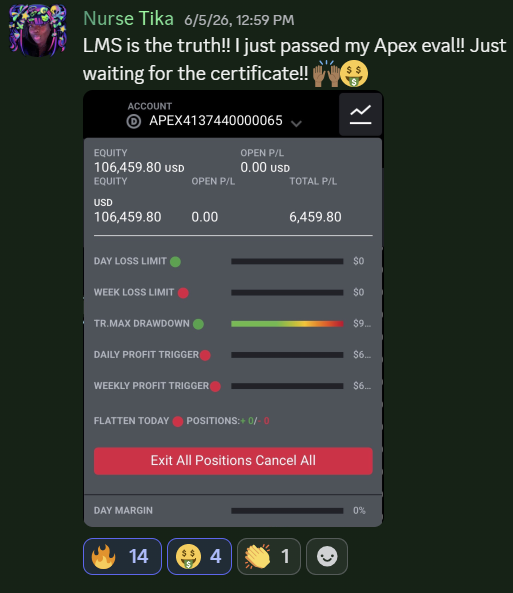
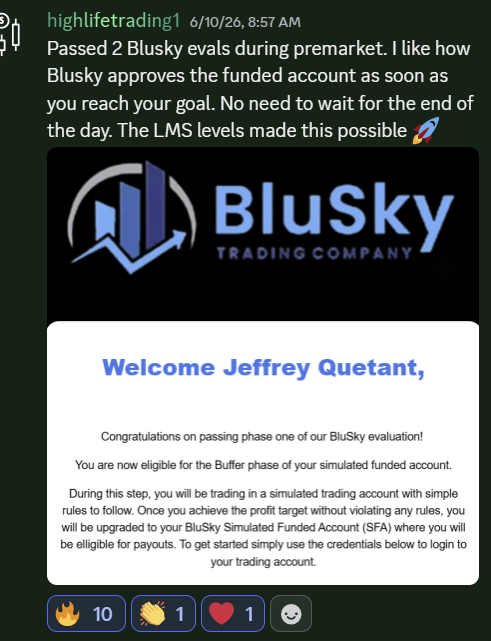
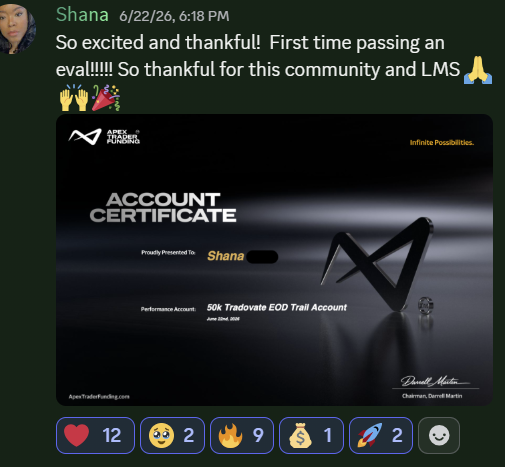
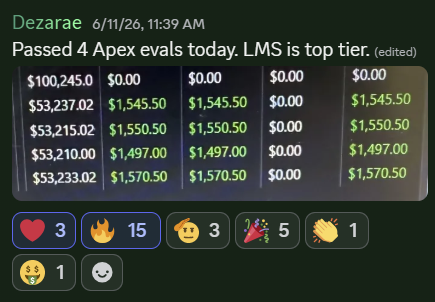
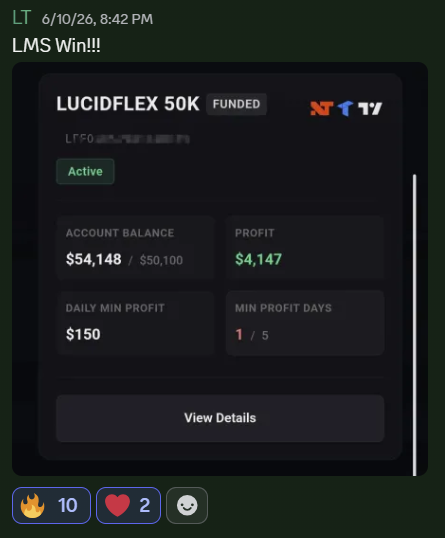
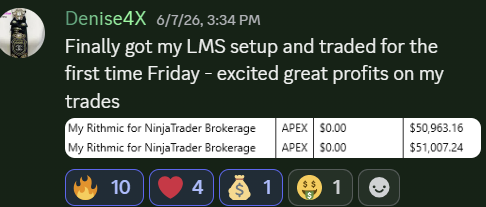
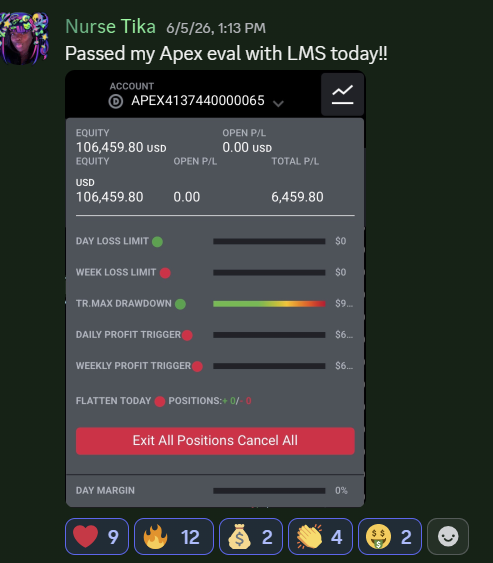
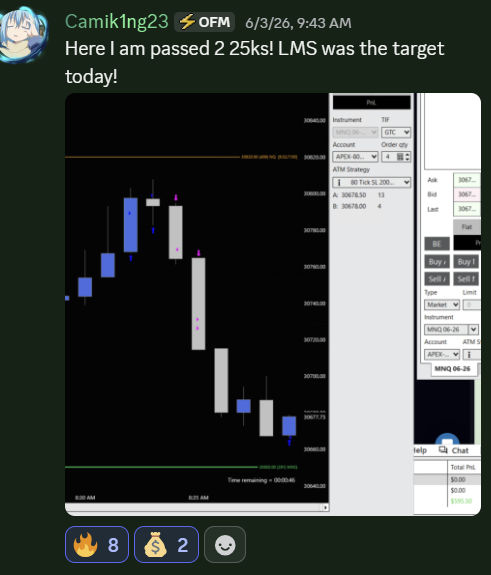
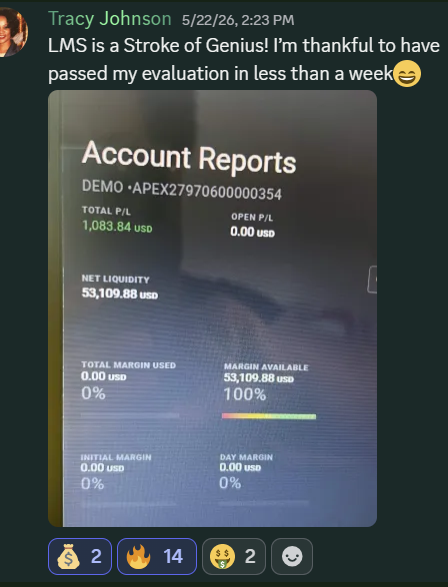
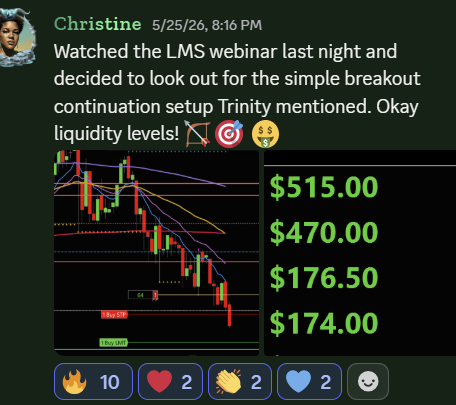
Real Results from Our Community

Choose Your Plan
Everything included. Cancel anytime.
Liquidity Mapping Suite TV
Advanced Liquidity Mapping for TradingView
- Advanced Liquidity Mapping
- Smart Level Validation
- Dynamic Strength Scoring
- Supply & Demand Zones
- Multi-Timeframe Confluence
- Automatic Risk Calculator
- Automatic Position Size Calculator
- Liquidity Watchlist Scanner
- All Futures Instruments Support
- Discord Community Access
- Minor Software Updates Included
- Step-by-Step Setup Guide
Liquidity Mapping Suite NT
Real-Time Level 2 Liquidity for NinjaTrader
- Live Level 2 Liquidity on Chart
- Multi-Instrument Futures Support
- Custom Liquidity Size Filters
- Smart Liquidity Validation
- Level 2 Data Status Indicator
- Spoof & Pull Visibility
- Consumption & Remaining Size Tracking
- Respect & Re-Test Detection
- Integrated News + Pre-Event Shading
- Auto-Hide Below Threshold
- Software Upgrades Included
- Discord Community Access
- Pre-Configured VPS Included
- Step-by-Step Setup Guide
- 1-on-1 Onboarding Call
 +
+
Liquidity Mapping Suite Edge
The Complete Liquidity Mapping Suite
- Everything Included in LMS NT
- Everything Included in LMS TV
- Software Upgrades Included
- Discord Community Access
- Pre-Configured VPS Included
- Step-by-Step Setup Guide
- One Subscription. Maximum Confluence.
- 1-on-1 Onboarding Call




Three Steps. One Powerful Trading Ecosystem.
Getting started with LMS is simple. Three steps take you from purchase to your first trade — whether you run LMS on TradingView, NinjaTrader, or both with LMS Edge.
Select Your Plan
Choose the LMS plan that fits your trading style—TradingView, NinjaTrader, or LMS Edge. After purchase, you'll receive immediate access to your member dashboard and setup resources.
Complete Your Setup
Follow our step-by-step setup guides to install your platform, activate your license, configure your settings, and connect any required market data.
Start Trading with Confidence
Open your platform and begin using LMS. Plan your trades, monitor liquidity, and manage positions using the LMS tools included with your subscription.
Questions?
Frequently Asked Questions
Everything you need to know before getting started.
Still have questions?